

Appearance
SSO Overview
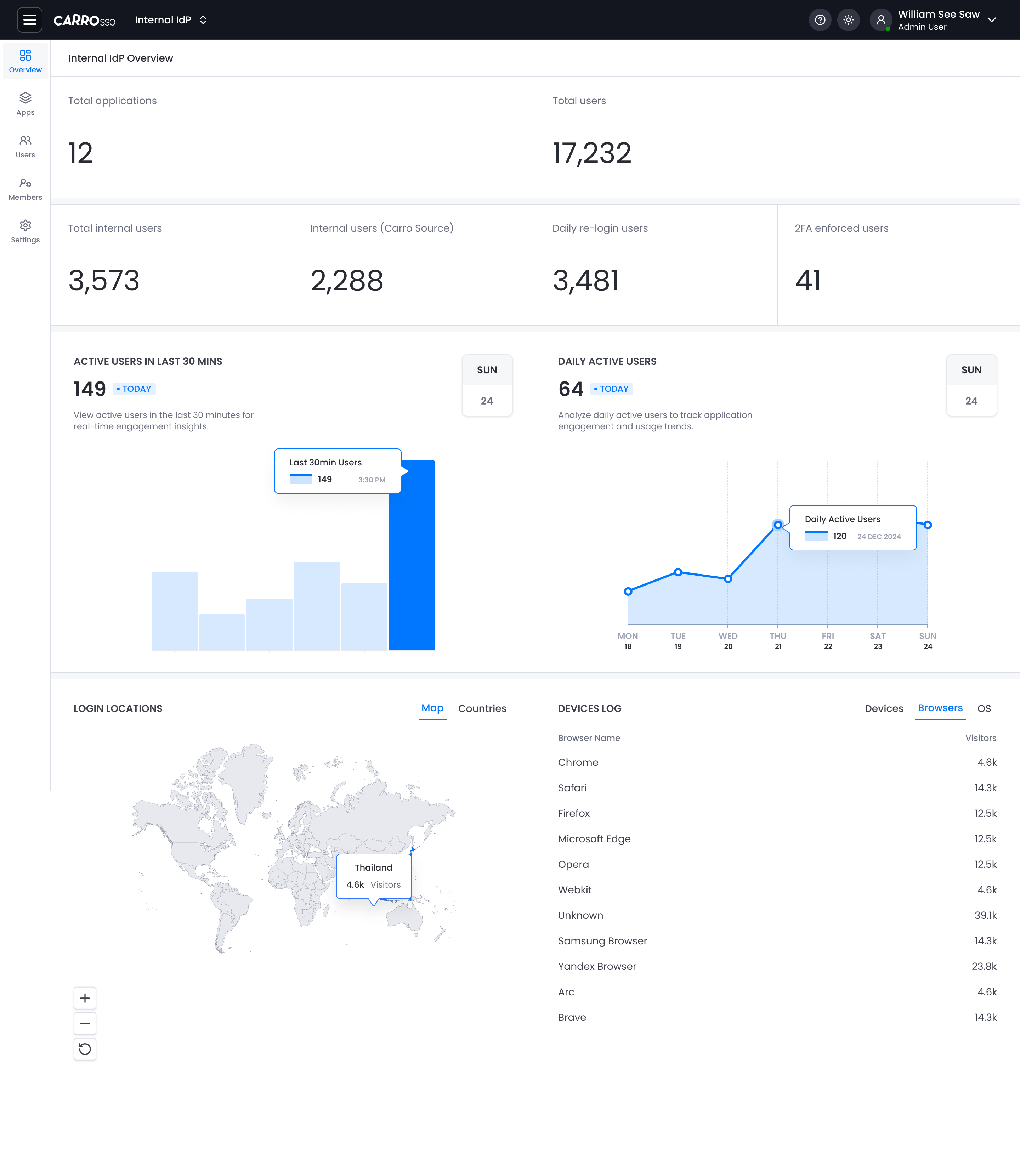
The Single Sign-On (SSO) Overview screen provides historical analytics for user activity across all applications connected to CARRO SSO. It helps members monitor login trends, detect anomalies, and assess engagement.
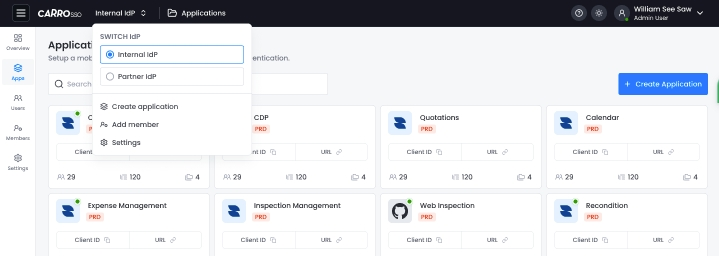
IdP Switcher
- Located at the top beside the logo
- Options:
Internal IdP(default)Partner IdP
Switching changes the application list context.
📊 Summary Metrics
These top-level counters offer a quick snapshot of the system's user base and authentication activity:


| Metric | Description |
|---|---|
| Total Applications | Total number of SSO-integrated apps. |
| Total Users | Number of users registered across all apps. |
| Total Internal Users | Users sourced from the internal identity provider (IdP). |
| Internal Users (Carro Source) | Internal users specifically provisioned from the CARRO source. |
| Daily Re-login Users | Users who logged in more than once in a day. |
| 2FA Enforced Users | Users who have two-factor authentication enabled. |
📈 User Activity
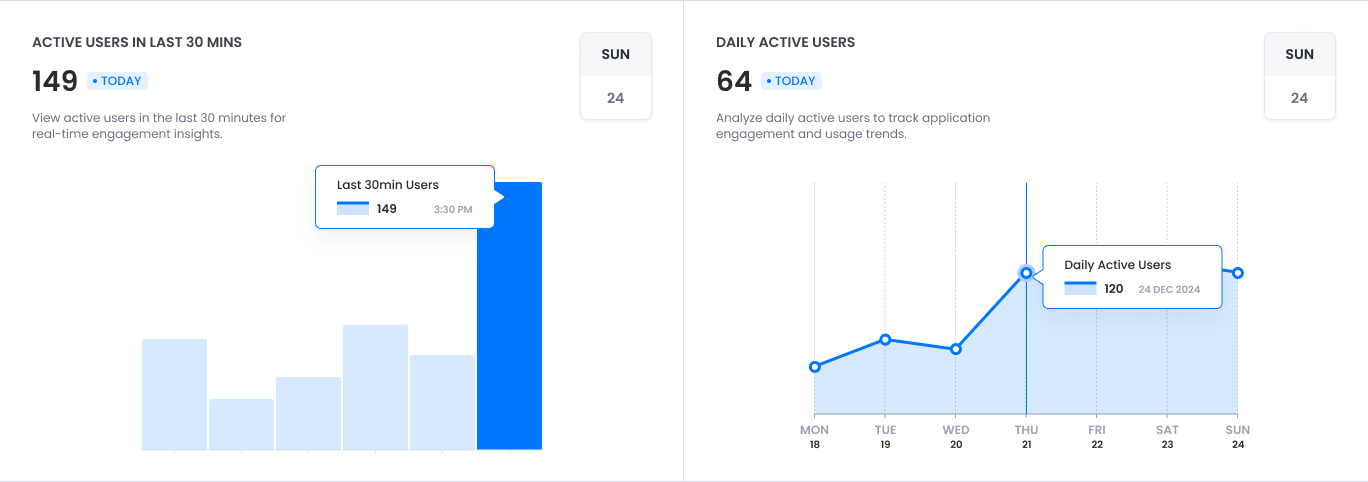
Active Users in the Last 30 Minutes
- Real-time bar chart showing user login activity in the past 30 minutes.
- Useful for spotting surges or drops in engagement.
- Tooltip displays exact count and timestamp.
Daily Active Users
- Line chart displaying daily active users for the past 7 days.
- Helps track ongoing engagement and adoption trends.
- Hover reveals exact numbers per day.
🌍 Login Locations
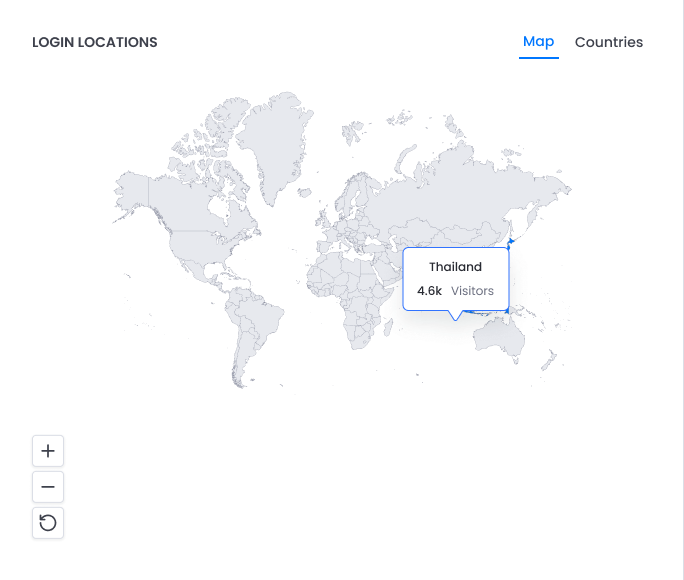
- Map view of user login sources by geography.
- Example: Thailand with 4.6k visitors.
- Toggle between Map and Countries view.
💻 Devices Log
Browser Usage
A breakdown of browsers used for authentication:
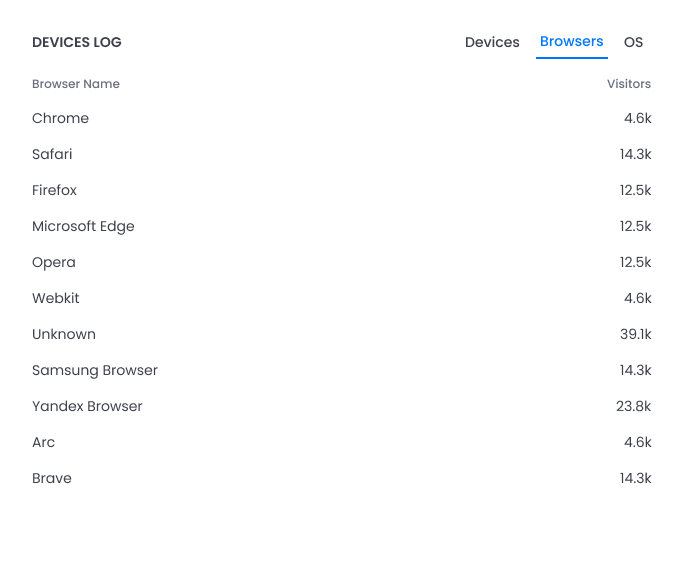
- Useful for identifying compatibility or security issues.
- Filters available by Device, Browser, and OS.