Appearance
Forgot or reset password
Users who forget their password can easily reset it using the password recovery process.
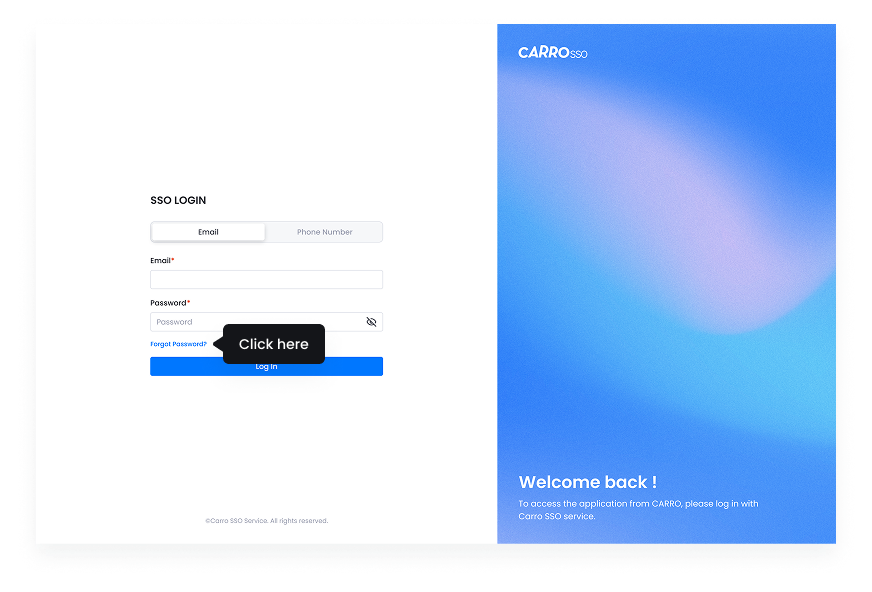
- Click on Forgot Password? on the login page.
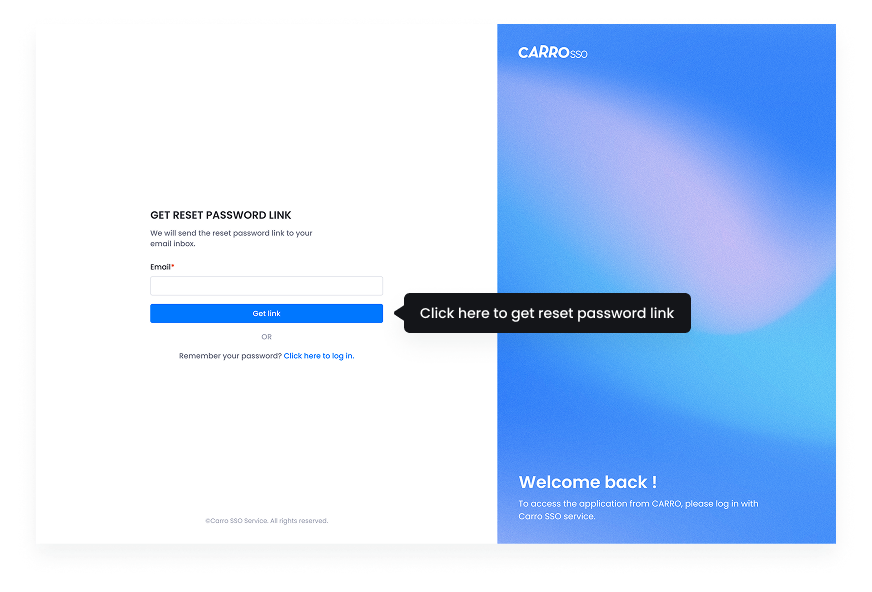
- Enter the registered email or phone number.
- Receive a password reset link or OTP via email/SMS.
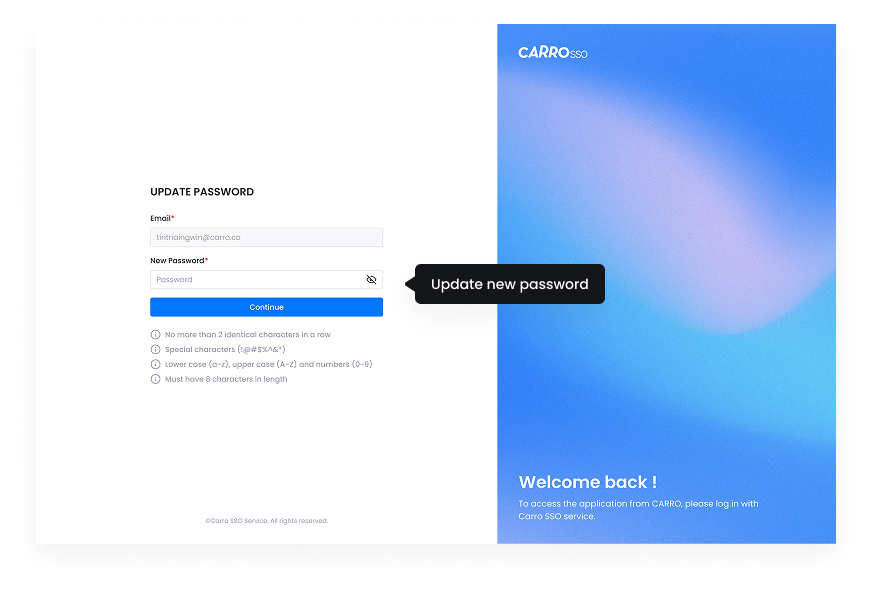
- Follow the link and enter a new password.
- Confirm the new password and complete the reset.
- Click on Forgot Password link.
- Enter email to get the reset link.
- After click the reset link from email, update the password.
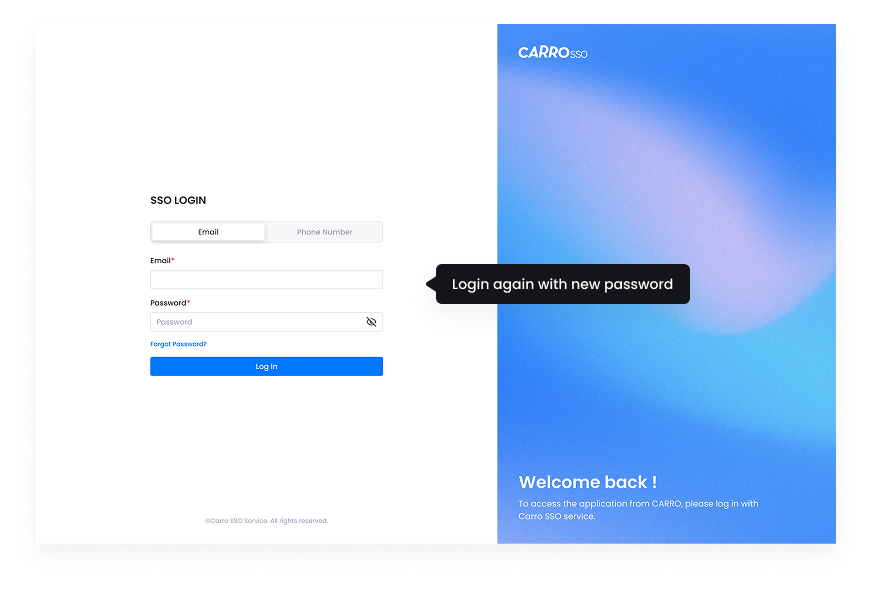
- Login again with new password.
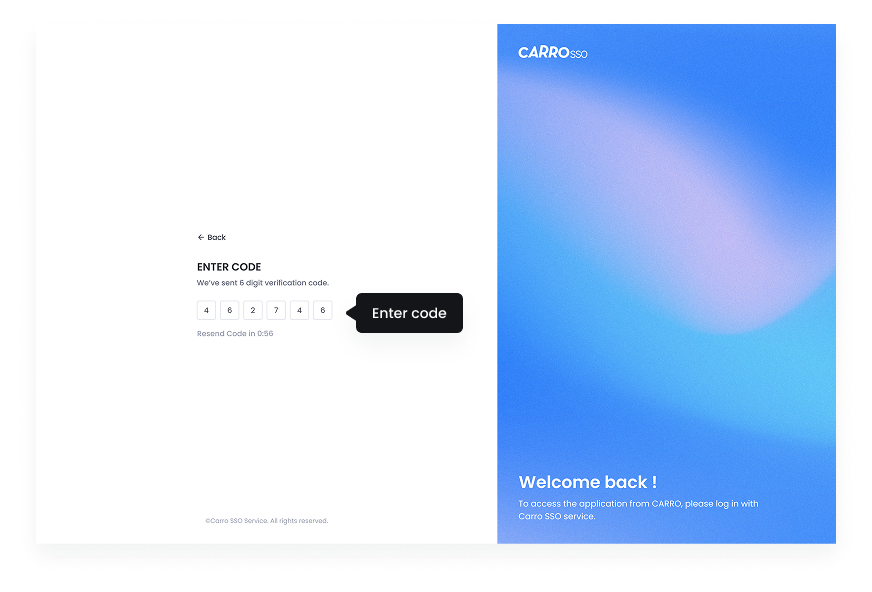
- Enter code from the email.