Appearance
Terminate user
If a user no longer requires access, administrators can permanently remove their account.
Once terminated, the user will lose access immediately, and their credentials will be revoked.
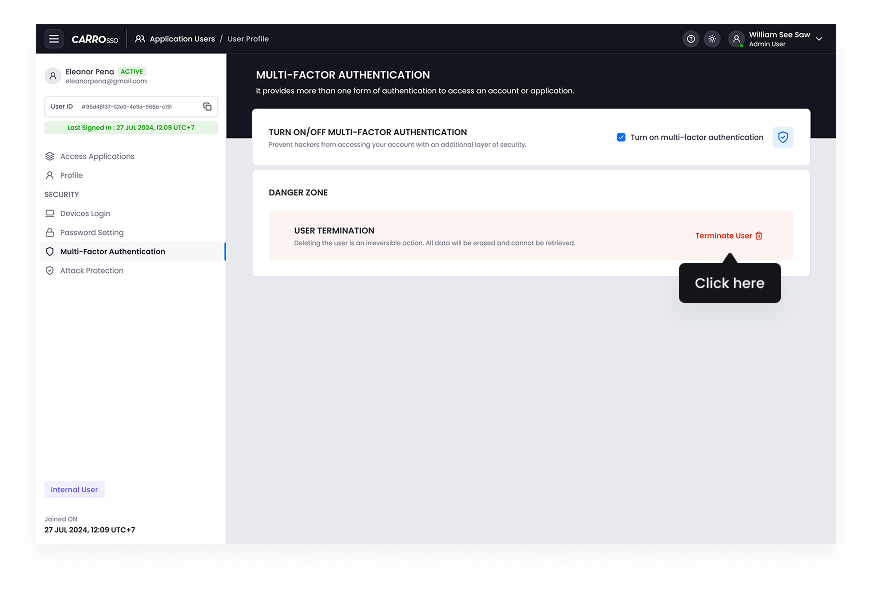
- Navigate to Multi-Factor Authentication.
- Click Terminate Account.
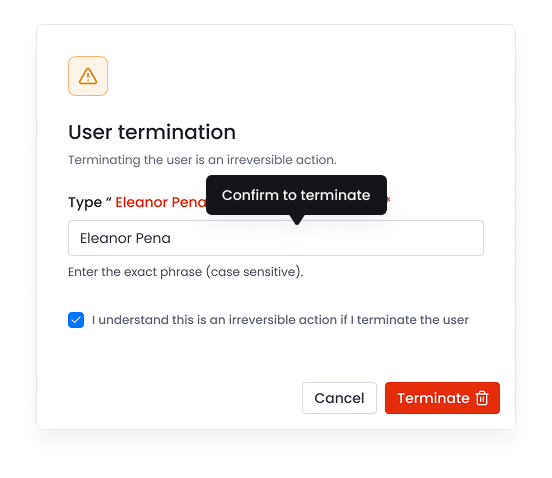
- Type user name to confirm and consent termination.
- Click the terminate button to proceed.
- Confirm action.