Appearance
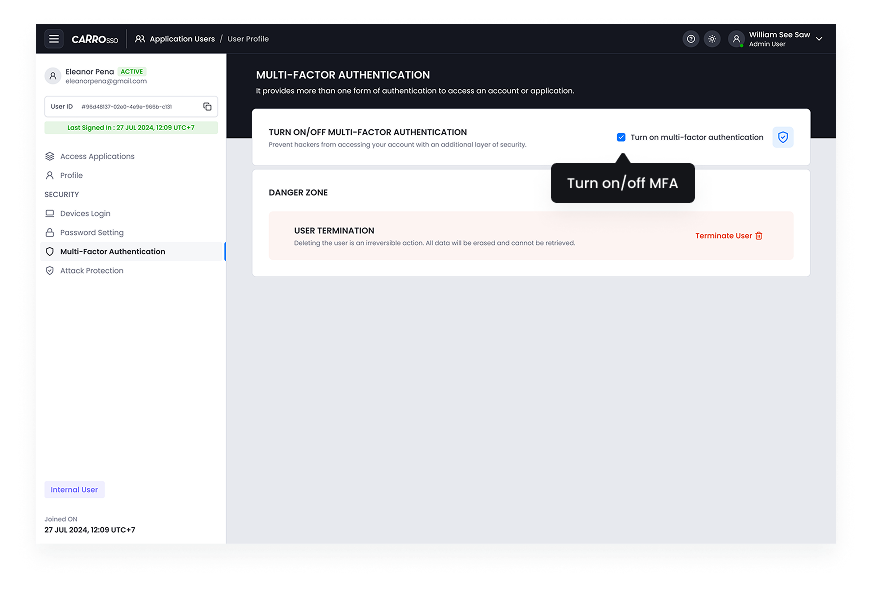
Enable multi-factor authentication
Multi-Factor Authentication (MFA) enhances security by requiring users to provide additional verification beyond their password. This ensures that even if a password is compromised, unauthorized access remains difficult.
- TOTP (Time-Based One-Time Passwords): Users receive a temporary code via an authentication app (e.g., Google Authenticator, Authy).
- SMS/Email OTP: A verification code is sent to the user’s registered phone number or email.
Enabling MFA
- Navigate to User Security Settings > Multi-Factor Authentication.
- Select the preferred MFA method.
- Configure and verify the authentication method.
- Save settings.
Admins can enforce MFA for all users or specific groups to ensure higher security standards.