

Appearance
OTP retrieval
One-Time Password (OTP) retrieval is a crucial aspect of authentication security. OTPs are temporary passcodes sent to users for identity verification during login, password recovery, and multi-factor authentication (MFA). These passcodes typically expire after a short duration and can be delivered via various channels, such as SMS, email, or authenticator apps.
OTP Retrieval Process Users can retrieve OTPs through the following methods:
- OTP via SMS The system sends a 6-digit OTP to the registered mobile number. The user must enter the OTP within the expiration time (typically 5-10 minutes). If the OTP expires, the user can request a new one.
- OTP via Email The system generates and sends an OTP to the user’s registered email. The user retrieves the OTP from their inbox and enters it into the authentication system. Ensure that the email is checked, including spam/junk folders, in case of delivery issues.
- OTP via Authenticator Apps The user links an authenticator app (e.g., Google Authenticator, Microsoft Authenticator, Authy) to their account. The app generates a Time-Based One-Time Password (TOTP) that refreshes every 30 seconds. The user enters the generated OTP to authenticate.
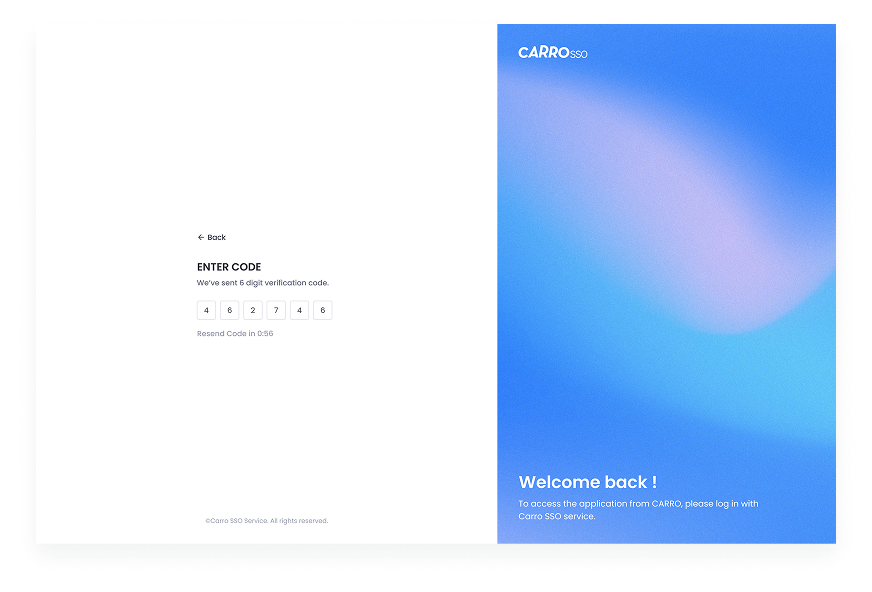
OTP Retrieval for Password Reset If a user forgets their password, they can retrieve an OTP to reset it securely. Steps to retrieve OTP for password reset:
- Navigate to the Forgot Password page.
- Enter the registered email or phone number.
- The system sends an OTP via SMS, email, or authenticator app.
- Enter the OTP in the designated field.
- Once validated, set a new password and confirm the change. This method ensures that only authorized users can reset their passwords, preventing unauthorized access.