Appearance
Delete permission
Unused or outdated permissions can be removed.
Removing permissions helps maintain a clean and secure system by restricting unnecessary access rights.
- Navigate to Permission Listing.
- Select the Permission.
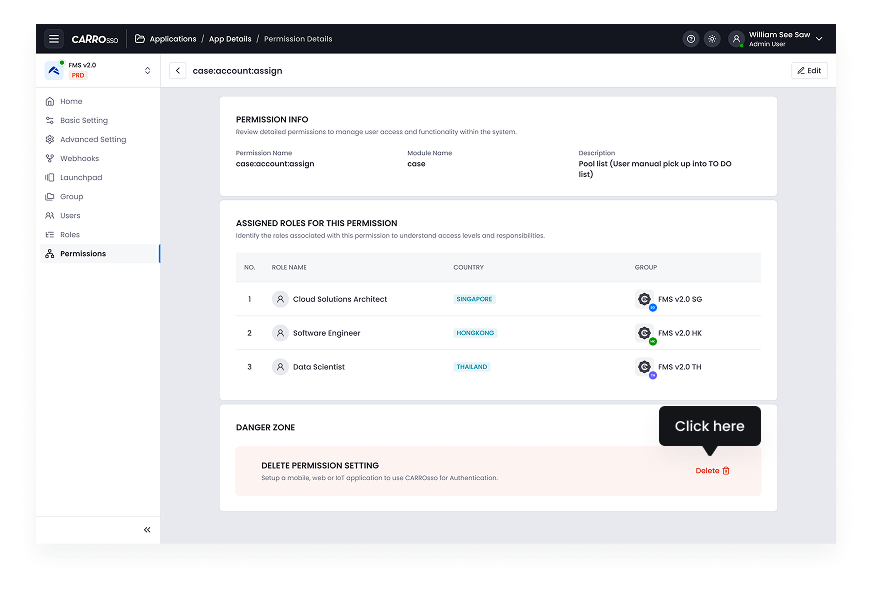
- Scroll the all the way down.
- Click Delete Permission.
- Confirm the action.
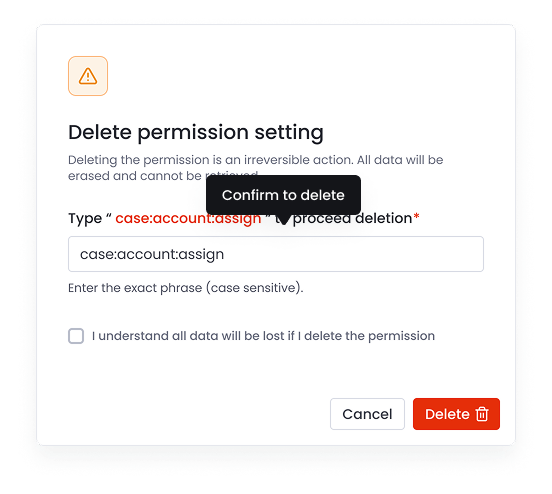
- Type permission name to confirm and consent deletion.
- Click the delete button to proceed.
- Confirm action.