Appearance
Delete Group
Deleting a group permanently removes it from the system.
- Navigate to Group Management.
- Select the group to be deleted.
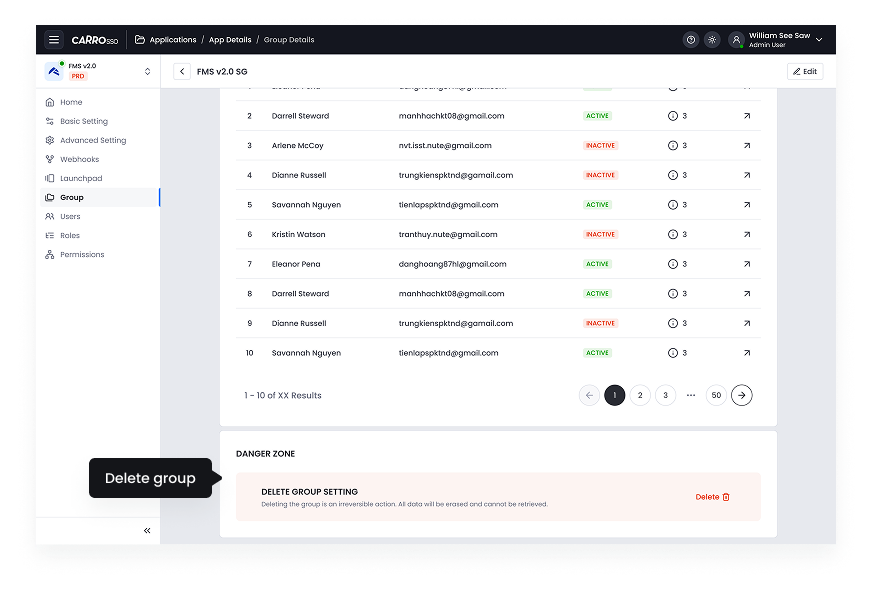
- Scroll all the way down
- Click the delete button
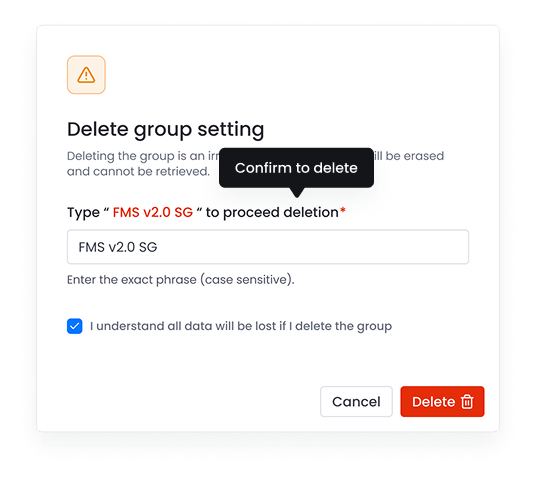
- Type group name to confirm and consent deletion.
- Click the delete button to proceed.