

Appearance
Application List
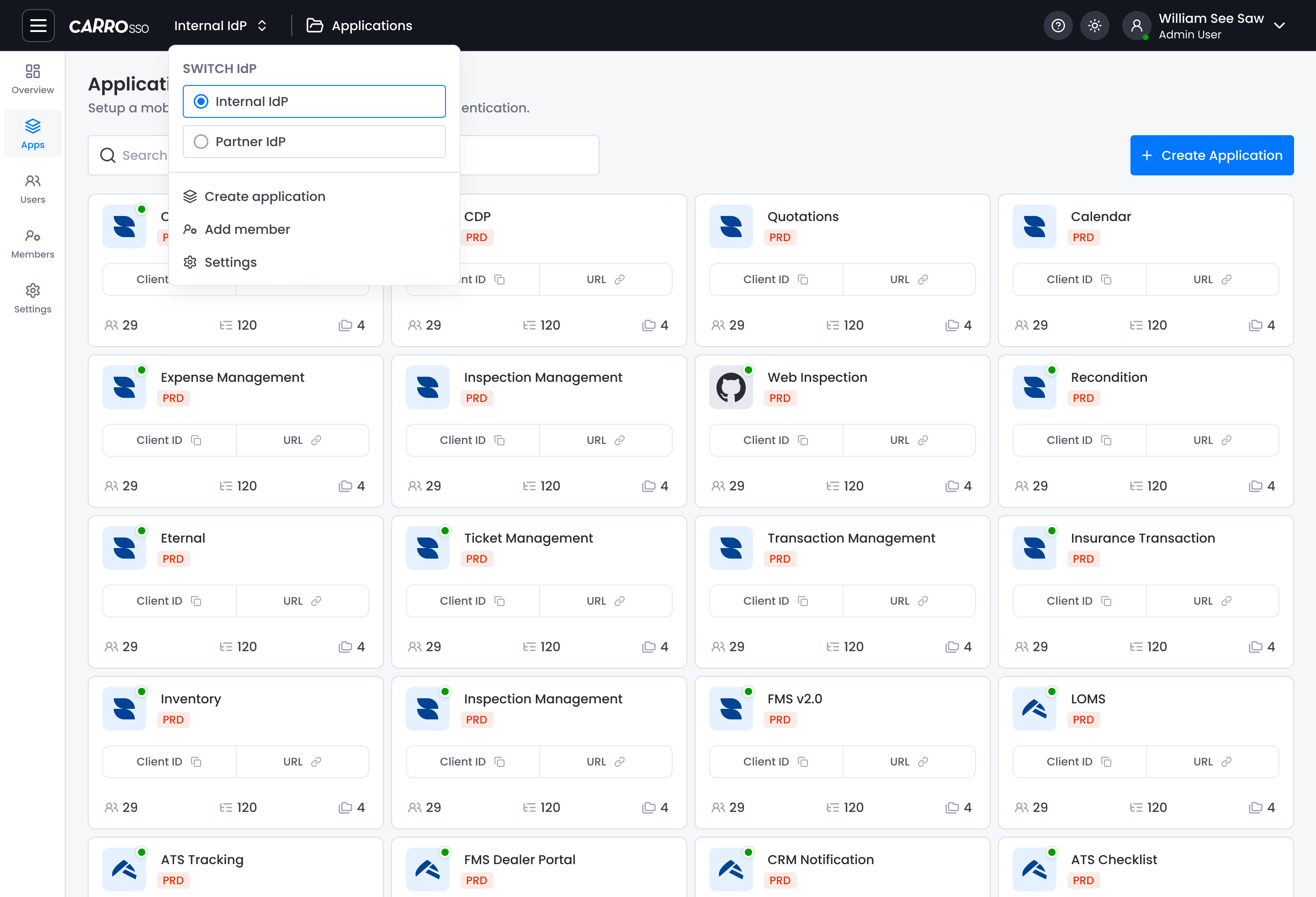
The Application List page provides a centralized view of all applications configured within the CARRO SSO platform. This is where members can manage SSO integrations for internal and partner applications.
Overview
- View all registered applications
- Create new applications
- Copy Client ID and URL
Key Components
1. Create Application Button
- Blue button labeled
+ Create Applicationon the right. - Opens a modal or redirect to create a new app configuration.
2. Application Cards
Each application is displayed as a card with:
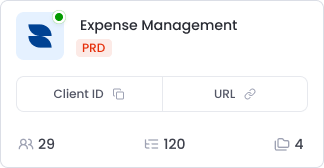
- App Name (e.g., Expense Management)
- Environment Label:
PRD(Production) - Client ID (copyable)
- URL (link or copyable)
- Stats Icons:
- 👥 User Count
- 🗃️ Logins or Sessions
- 📄 Number of roles or groups