Appearance
Terminate user
If a user no longer requires access, their account can be terminated from this application. This termination will not related with deleting user from the SSO system. Terminated users lose access immediately, ensuring security compliance.
- Navigate to User Listing.
- Select the user.
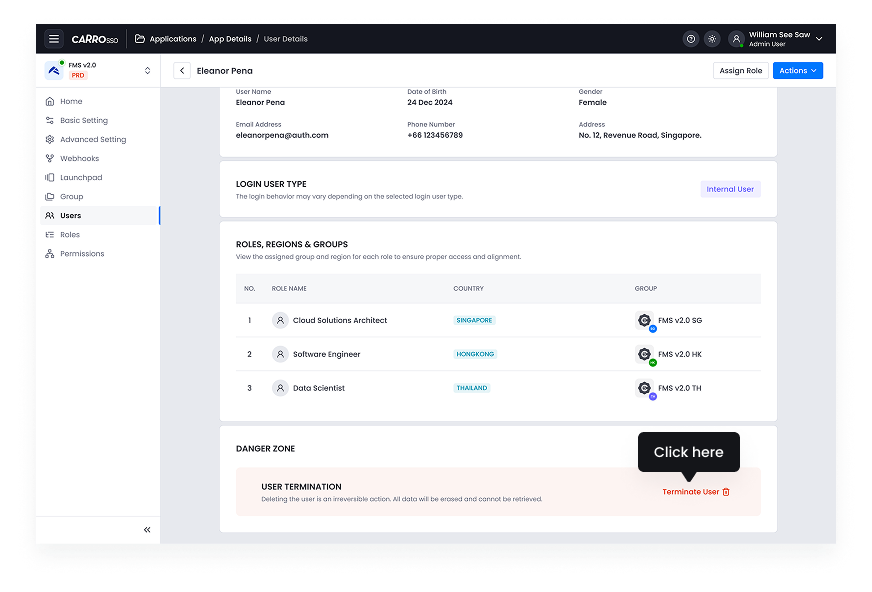
- Scroll the all the way down.
- Click Terminate Account.
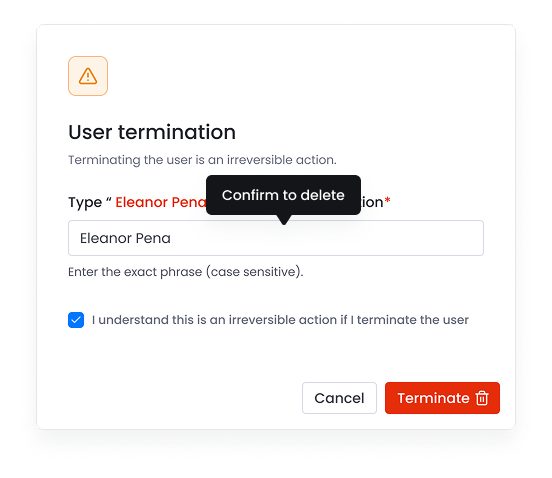
- Confirm the action.
- Type user name to confirm and consent termination.
- Click the terminate button to proceed.
- Confirm action.