

Appearance
Basic settings
After creating an application, configuring its basic settings is essential to define its authentication parameters and operational behavior.
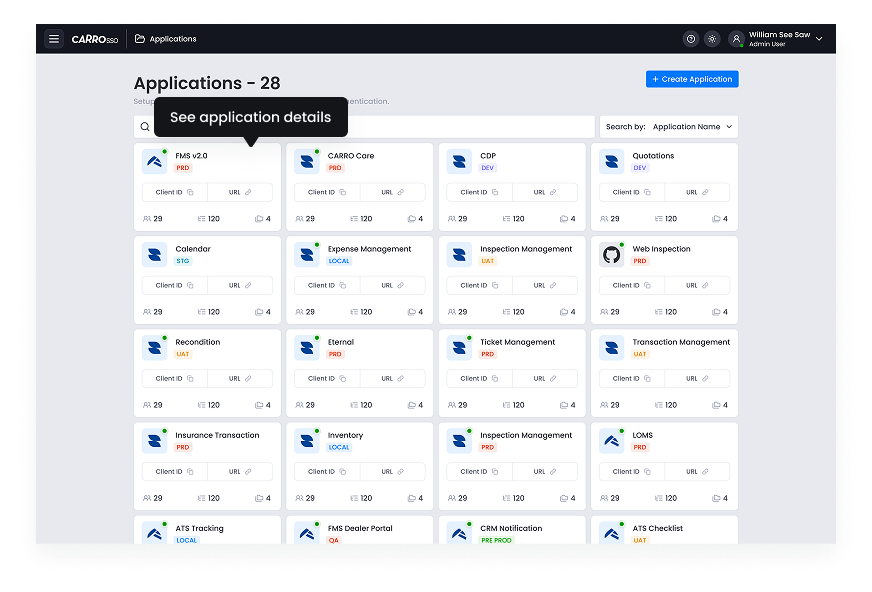
- Click the application card to see application details
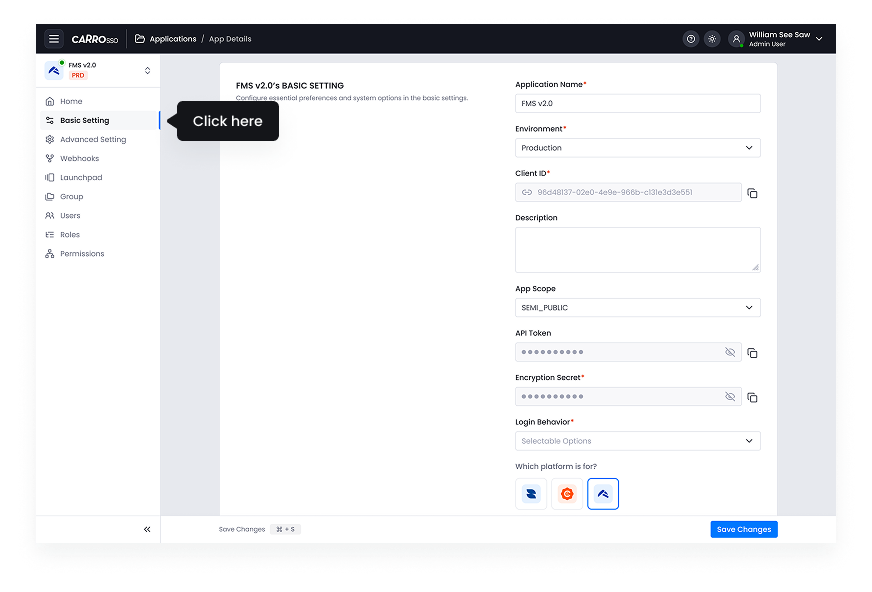
- Left side menu will give a lot of options to manage this application
- Click basic setting to manage application name, environment, logo and copying client ID, API Token, Encryption secret.
- Changing the app scope and login behavior as par the user choice.
These settings ensure that the application operates securely and efficiently, meeting organizational requirements.